Solutions · ERP & operations
An operations system shaped around your work, not the other way round.
When spreadsheets, inboxes and a generic ERP are all holding a piece of the truth, we build one system where every case or order has one record, the status is always visible, and the reports build themselves.
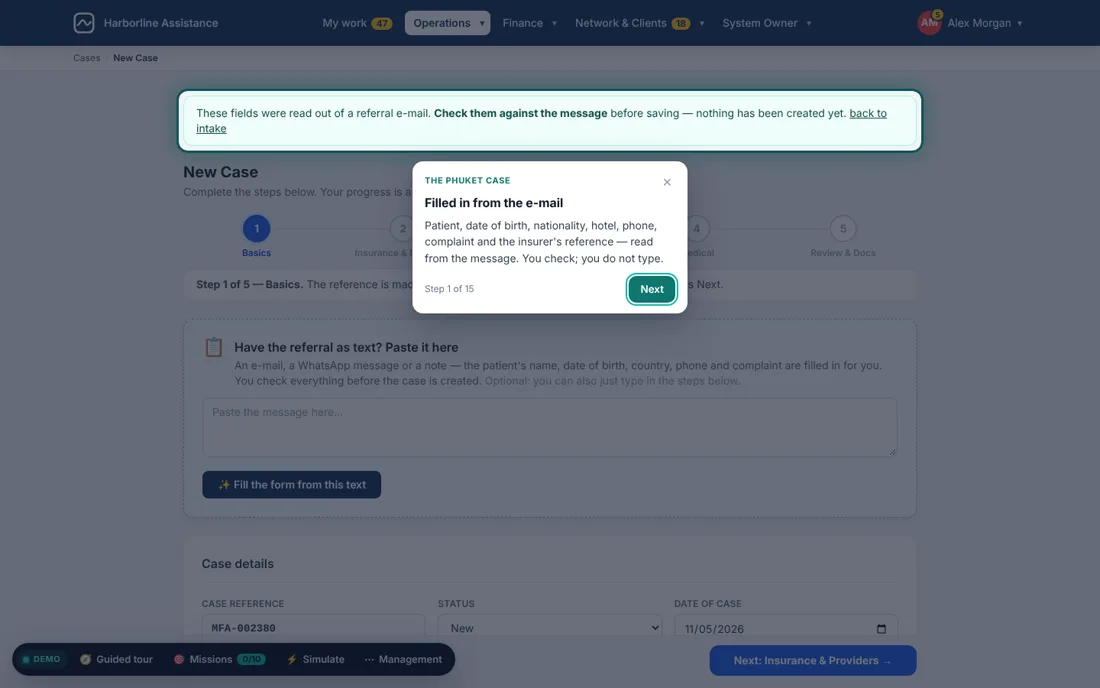
What it covers
The parts of the business that usually live in five places
Cases, orders or jobs
One record per unit of work, with its references, people, documents and history.
Finance and billing
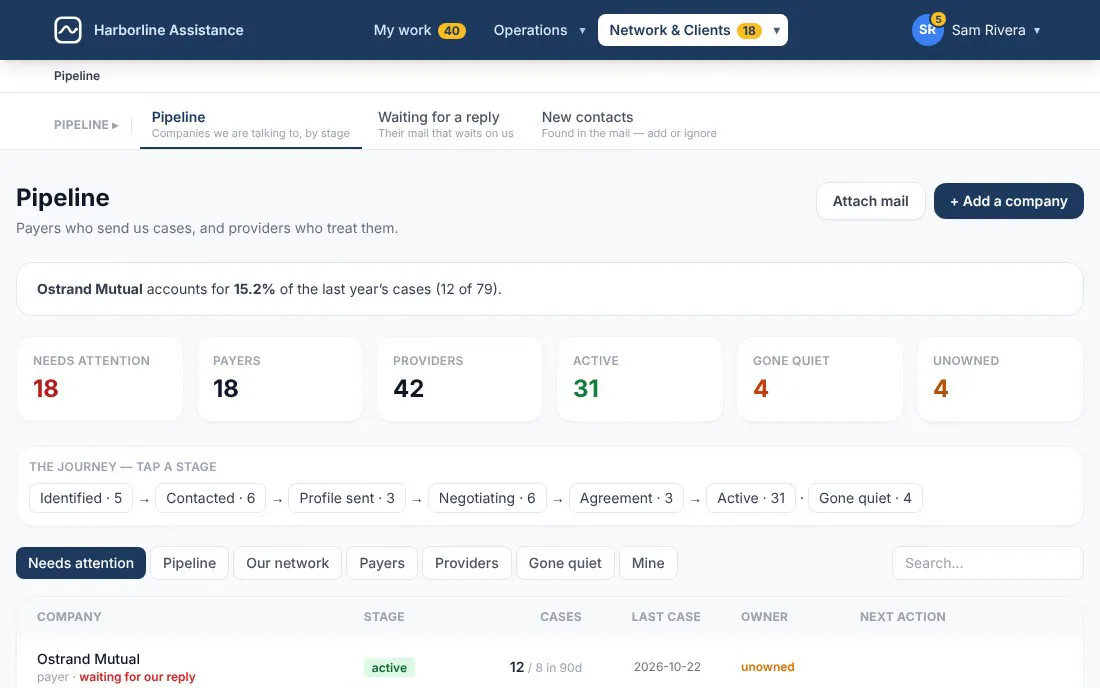
Invoices, partial payments, reversals, several currencies and what is owed in each.
Suppliers and payables
What you owe each supplier, payment plans and batches, matched to the work they did.
Approvals and roles
Who may see, change or approve what, enforced on the server, not only hidden on screen.
Reports and dashboards
Overdue, unbilled, high value, per team and per client — computed from the records, not typed in.
Mail and documents
Requests read out of the mailbox, PDFs read into fields, every outgoing message approved first.
How we approach it
We map the work before we draw a screen
We sit with the people who do the work and follow a few real cases from the first message to the last payment. The system mirrors that path: the steps, who waits for whom and what each person needs to see.
Then we build in increments. You review real screens on a staging link every few weeks, and the first useful part goes live early instead of waiting for the whole.
- Bilingual screens, documents and PDFs
- Imports from your existing spreadsheets, with a preview before anything is written
- Runs on a cloud, a regional data centre or a server you control
Built by us
Systems like this, already running
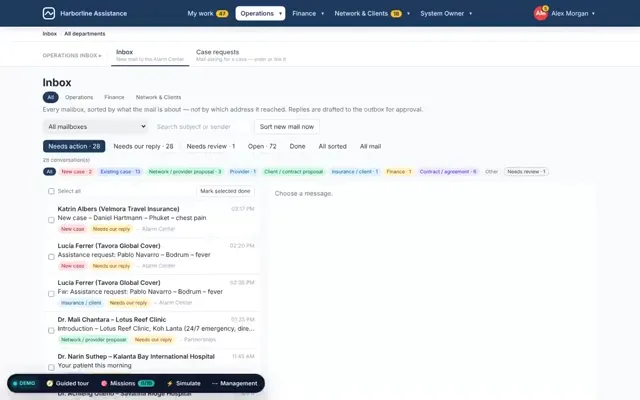 Operations platform
Medical assistance operations
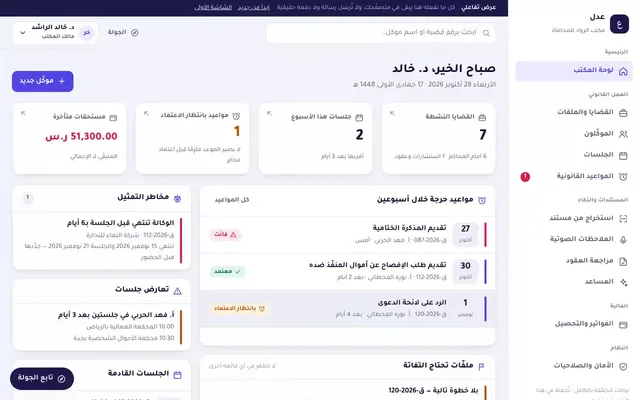 Product
Legal practice management SaaS
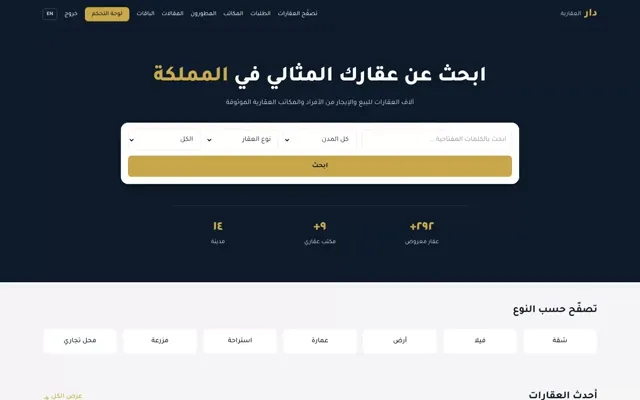 Marketplace
Property marketplace
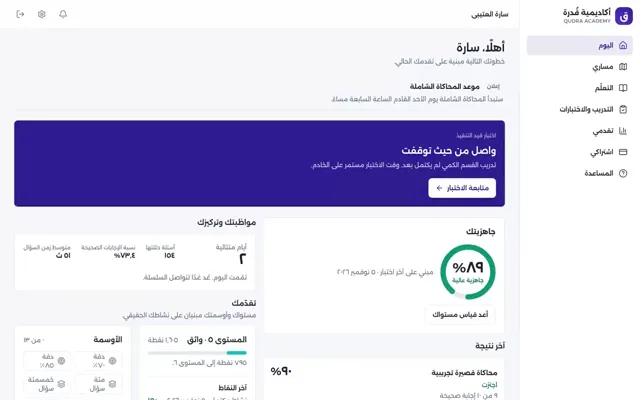 Education platform
An honest comparison
Custom system or an off-the-shelf ERP?
Questions we are often asked
Do you replace our current ERP or accounting software?
Only when that is the better call. Often we build the part your current tool cannot handle and connect it to the rest, so finance keeps the software it knows.
Can we move our existing data in?
Yes. Imports show a preview of exactly what will be created, flag duplicates and similar names, and keep a record of every row that was skipped and why.
How long does a first version take?
It depends on the scope. We agree a first increment that is useful on its own, usually a single workflow, and put it on a staging link early.
Who owns the data?
You do. It lives in a standard database you can export, on infrastructure you choose.
Have a system like this in mind?
Tell us how your team works today. We will tell you honestly what we would build, or whether an existing product is enough.